Steam Deck · Game Mode
Flatpak
Apache-2.0
pre-alpha
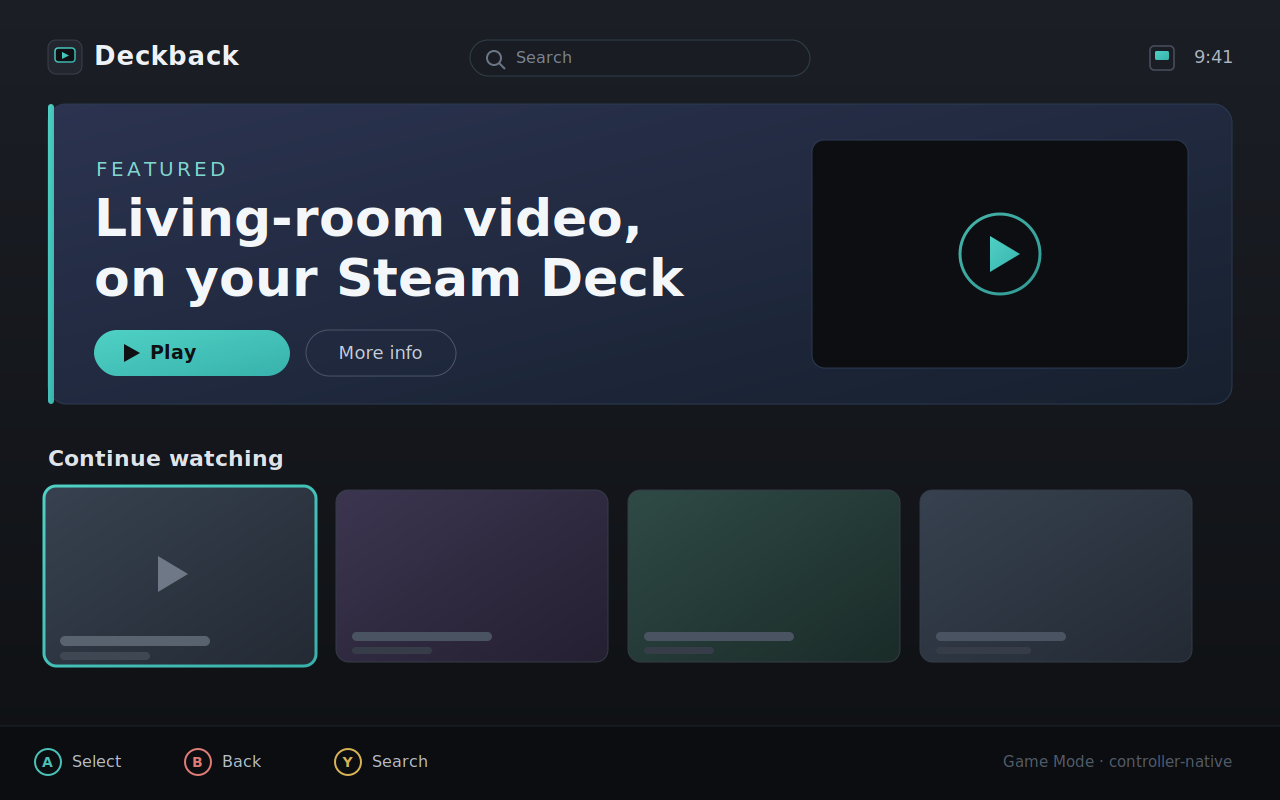
An unofficial native client for YouTube's TV interface, built on Chromium-based Cobalt — controller-native, hardware-decoded, with clean sleep/resume.
One-click (Desktop Mode) — installs the app and adds our repo so you get automatic updates:
Opens in your software installer. Needs flatpak ≥ 1.16 (SteamOS 3.5+).
From a terminal (Konsole) — add the repo once, then install:
flatpak remote-add --if-not-exists deckback \
  https://properrr.github.io/deckback/deckback.flatpakrepo
flatpak install deckback io.github.properrr.deckback
Update anytime with flatpak update io.github.properrr.deckback — or let
the Deck's background updater handle it.
Or a single bundle (no auto-update) from the GitHub Releases page:
flatpak install --user -y io.github.properrr.deckback.flatpak
steamos-add-to-steam (see the README).Free content needs nothing extra. Deckback never bundles or downloads any DRM module; it is not affiliated with, endorsed by, or sponsored by Google or YouTube.